
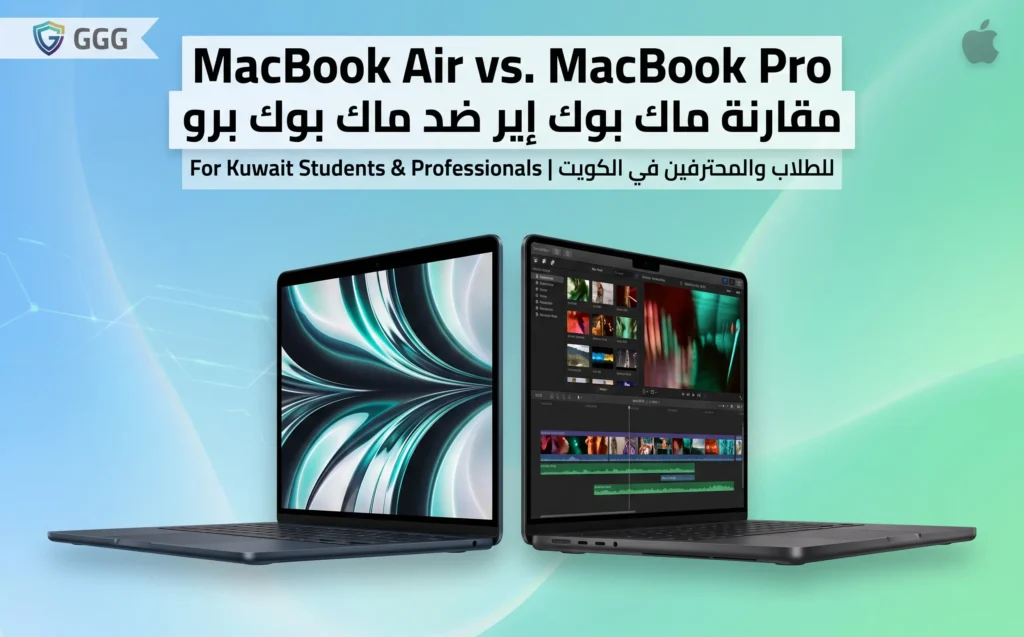
For most students and office professionals in Kuwait, the Air is the right answer — it’s quieter, lighter, and the fanless design holds up fine outside of sustained heavy workloads. The Pro earns its price when you’re doing real video export, large Xcode builds, or multi-track audio work — not “sometimes edits a video” but genuinely, regularly.
Who the Air is actually for
Web browsing, office documents, note-taking, light photo editing, streaming lectures, video calls — the Air handles all of it without breaking a sweat, and its fanless design means it’s completely silent doing it. If your heaviest regular task is exporting a short video for a class project or editing photos for a portfolio, the Air is not a compromise — it’s the better fit.
Who actually needs the Pro
The Pro’s advantage is sustained performance under continuous load: rendering long video exports, compiling large software projects, running multiple heavy applications simultaneously for hours at a time. If that’s a daily reality rather than an occasional task, the Pro’s active cooling keeps performance from dropping the way it eventually will on the Air under the same sustained load. The extra screen options (on larger Pro models) and additional ports also matter more for professional workflows than most student use cases.
Storage tiers worth paying for
The base storage tier is usually worth skipping — 256GB fills up fast with modern app sizes, OS updates, and any local media. Stepping up one tier is the upgrade with the best value-for-money; storage isn’t user-upgradeable after purchase on these machines, so buying enough the first time avoids the more expensive problem of running out later.
AppleCare+ purchased locally
AppleCare+ bought through an authorized Kuwait reseller covers local service — a real consideration given that Kuwait’s summer heat and dust exposure are harder on any laptop than a climate-controlled office in a cooler market. A base warranty from a grey-market unit typically doesn’t extend the same local coverage, which matters more for a daily-use work machine than it might for a phone. See the authorized vs grey market breakdown for what’s actually different.
The verdict
Air for the large majority of students and office professionals. Pro only if your daily work is genuinely compute-heavy — not “I edit video sometimes” but “I render video for hours most days.” Check current authorized-reseller pricing on both on the price tracker before deciding, since the price gap between the two shifts with each generation.
Chip generation matters more than the Air/Pro label alone
A current-generation Air often outperforms an older Pro in everyday tasks, since Apple’s chip generation gains tend to matter more than the Air/Pro distinction itself. Before assuming Pro automatically means faster, check which chip generation each specific model actually uses — comparing a two-generation-old Pro against a brand-new Air can go either way depending on the task.
Display differences worth knowing
Higher-end Pro models typically offer a brighter, higher-refresh-rate display, which matters if you do color-sensitive creative work or simply prefer smoother scrolling — but it is a genuine bonus rather than a functional requirement for document work, browsing, or note-taking. Do not pay the Pro premium for the display alone unless you have a specific reason to need it.
Real-world battery life
The Air’s fanless design and lower sustained power draw typically translate to longer real-world battery life for typical student and office tasks than a Pro doing the same work, even though on-paper battery capacity can be similar or larger on some Pro configurations — sustained CPU load draws down a Pro’s battery meaningfully faster under heavy use.
Frequently asked questions
Can I upgrade RAM or storage after buying?
No — RAM and storage are soldered and fixed at purchase on both the Air and Pro. Buy the configuration you will need for the machine’s full useful life, not just today’s workload.
Is the Pro worth it just for the extra ports?
Only if you regularly need those specific ports without a dongle — for most students and office professionals, a small USB-C hub solves the same problem for a fraction of the Air-to-Pro price difference.
How long should either machine realistically last?
Both are capable of a useful life well beyond the software update window for typical student and office tasks, provided you bought enough storage and RAM upfront — this is the main reason to avoid the base storage tier discussed above.