
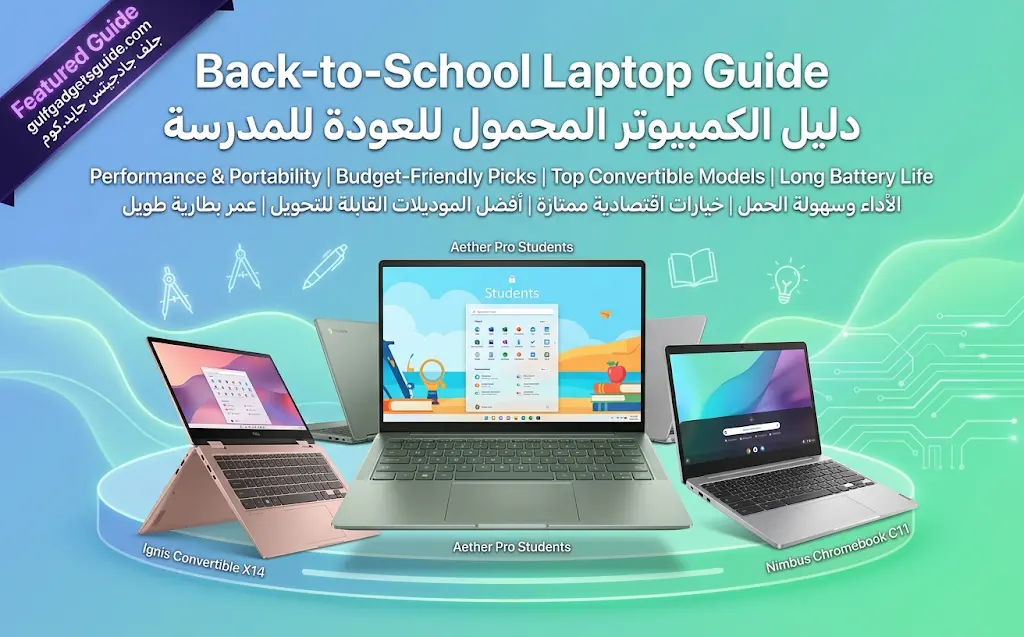
The seasonal back-to-school laptop rush in Kuwait is when the most grey-market stock enters the market to undercut authorized retail pricing — sellers know demand spikes and budgets are tighter, and that combination is exactly what makes an unusually low price tempting to skip questioning.
Budget tiers and what they actually get you
At the lower end of the back-to-school range, prioritize a comfortable keyboard and screen for actual daily typing and reading over raw performance specs — most school and early-university work is document-, browser-, and video-call-based rather than compute-heavy. In the mid tier, look for enough RAM and storage headroom to comfortably run several years of software updates without the machine feeling immediately dated. Only step into higher tiers if the specific field of study genuinely demands it — engineering CAD work, video editing programs, or similar compute-heavy coursework.
The seasonal grey-market pattern
Back-to-school season sees a predictable increase in “brand new, sealed box” listings at prices meaningfully below authorized retail — some of this is genuine promotional pricing, but a real portion is grey-market stock timed to this exact demand spike. The check is the same one that applies year-round: ask for the distributor invoice, and be specifically wary of a price that undercuts every listing on the price tracker by a wide margin during this exact season.
What’s actually worth buying
- A model with at least 2–3 years of realistic useful life at your actual workload, not the cheapest unit that meets today’s minimum requirements.
- Confirmed authorized-channel warranty — a laptop that needs to survive years of daily student use benefits from local warranty support more than almost any other category.
- Enough storage and RAM headroom that you’re not fighting the machine within the first year.
The verdict
Buy for the full stretch of school/study you’re planning, not just this semester’s minimum spec, and treat any “too good” back-to-school price as a reason to verify the channel before checking out — see the full authorized vs grey market breakdown for exactly what to check.
Windows vs. macOS by field of study
Some specific software used in engineering, architecture, and certain science programs is Windows-only or runs meaningfully better on Windows — check your specific program’s required software list before committing to macOS. For general arts, business, and most humanities coursework, either platform covers the actual daily workload equally well.
Warranty length against a multi-year degree
A laptop bought at the start of a 3-4 year degree needs to survive the full stretch, which makes authorized-channel warranty coverage more valuable here than in almost any other category — a grey-market unit that develops a fault in year two of a degree program is a genuinely disruptive problem, not just an inconvenience.
Ports that actually matter for classroom and dorm use
A useful mix of USB-C and USB-A ports avoids needing a dongle for common classroom and dorm peripherals — projectors, external drives, chargers. If the model you are considering has gone all-USB-C, budget for a small hub rather than discovering the gap mid-semester.
Frequently asked questions
Is a touchscreen worth paying extra for as a student?
Useful mainly for note-taking apps and some design coursework — not essential for most degree programs, and the added cost is better spent on RAM or storage headroom for most buyers.
Should I buy new or a certified refurbished unit for school?
A certified refurbished unit with a real warranty from an authorized channel can be good value, but avoid unverified refurbished listings with no warranty — the same grey-market caution applies.
How much RAM is actually enough for a 4-year degree?
16GB is a safer baseline than 8GB for a machine expected to last the full degree, given how much software requirements tend to grow over several years — see the storage and RAM guidance above.